HubSpot has become the CRM and marketing automation platform of choice for a growing number of manufacturers and distributors. It’s intuitive, powerful, and excellent at managing the customer-facing side of your business. But its value is significantly amplified when connected to your ERP — where the operational data that tells the full story of each customer relationship actually lives.
This guide covers everything manufacturers and distributors need to know about HubSpot ERP integration: what data to sync, what benefits to expect, how to choose the right integration approach, and what implementation looks like.
Why Manufacturers Need HubSpot ERP Integration
In most manufacturing and distribution businesses, customer data is split across two systems: HubSpot holds the relationship history — emails, calls, meetings, notes, pipeline stages — while the ERP holds the transaction history — orders, invoices, products purchased, shipment status, payment records.
Without integration, neither your sales team nor your marketing team has the full picture. Sales reps can’t see that a key account hasn’t placed an order in 90 days. Marketers send re-engagement campaigns to active customers. Account managers get blindsided when customers mention an outstanding invoice they didn’t know about.
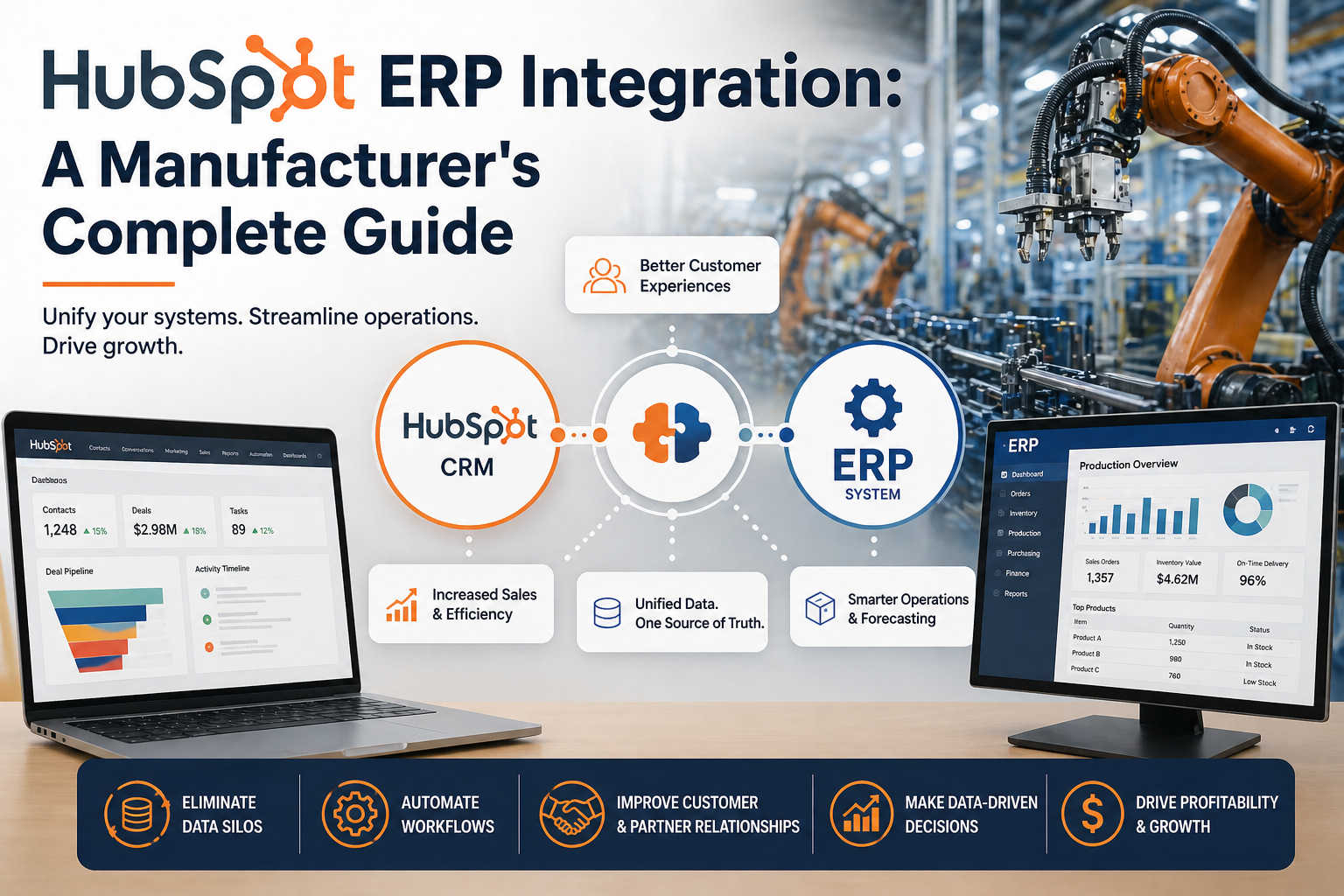
A HubSpot ERP integration unifies these two data sets — so every team works from a complete, accurate view of each customer.
What Data to Sync Between HubSpot and Your ERP
The right data sync for your integration depends on your specific business processes, but most manufacturing and distribution HubSpot ERP integrations include the following key flows:
Customers and Contacts (Bidirectional)
Customer master records from the ERP sync with HubSpot Companies and Contacts. New customers created in your ERP appear in HubSpot automatically. New contacts captured through HubSpot forms or campaigns can flow into the ERP when they convert to customers. This bidirectional sync eliminates the duplicate entry that wastes time and creates errors in both systems.
Orders and Deals
The deal-to-order flow is one of the highest-value automations in any HubSpot ERP integration. When a HubSpot deal closes, a sales order is automatically created in the ERP — with all the relevant details: customer, line items, pricing, requested delivery date. This eliminates the manual re-entry that typically introduces errors and delays into your fulfillment process.
Purchase History in HubSpot
Order history from your ERP surfaces inside HubSpot contact and company records. Your sales and marketing teams can see every product a customer has purchased, total lifetime value, order frequency, and last order date — all inside the CRM. This data transforms HubSpot from a communication log into a genuine revenue intelligence platform.
Products and Pricing
Your product catalog and approved price books from the ERP sync to HubSpot’s product library. Sales reps building quotes or proposals in HubSpot always work from current, accurate pricing — not outdated spreadsheets that erode margin.
Invoice and Payment Data
Invoice status and payment history from the ERP become visible in HubSpot, giving account managers the financial context they need for informed customer conversations. Overdue invoices, upcoming renewals, and payment patterns all inform how your team manages each account.
Inventory Availability (ERP to HubSpot)
Real-time inventory levels from the ERP can surface inside HubSpot, so your sales team can answer availability questions confidently without putting customers on hold to call the warehouse.
The Business Benefits of HubSpot ERP Integration
When HubSpot and your ERP are connected, the benefits are felt across every customer-facing function:
- Faster order processing: Deals that close in HubSpot become orders in your ERP automatically — no re-entry, no delays.
- Better marketing ROI: Campaigns built on real purchase data perform significantly better than campaigns built on guesswork.
- Improved customer retention: Your team can identify and act on early churn signals — like declining order frequency — before losing the account.
- Higher sales productivity: Reps spend less time tracking down information from operations and more time on revenue-generating activities.
- Stronger reporting: Leadership gets a complete view of customer lifetime value, pipeline-to-revenue conversion, and account health — without manual data reconciliation.
Choosing the Right HubSpot ERP Integration Approach
There are several technical approaches to HubSpot ERP integration, each with different tradeoffs:
Custom Code Integration
A developer builds a custom API integration between your ERP and HubSpot. This approach is flexible but expensive, slow to implement, and requires ongoing developer maintenance as both platforms release updates. It’s rarely the right choice for mid-market businesses.
Lightweight Automation Tools (Zapier, Make)
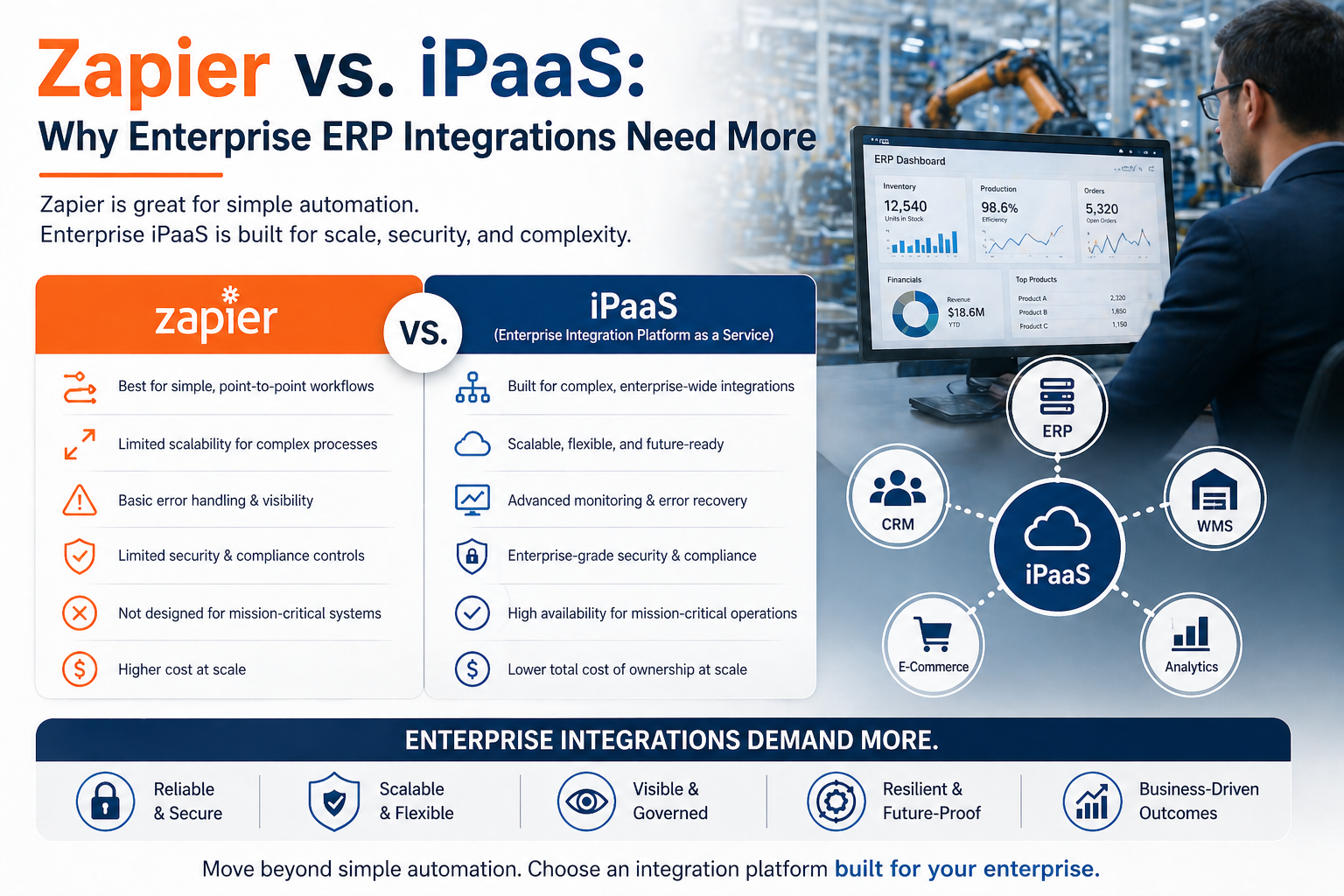
Tools like Zapier can create simple automations between some apps and HubSpot, but they lack the depth required for true ERP integration — particularly for complex, bidirectional sync of transactional manufacturing data. See our post on why enterprise ERP integrations need more than Zapier.
Managed iPaaS (Integration Platform as a Service)
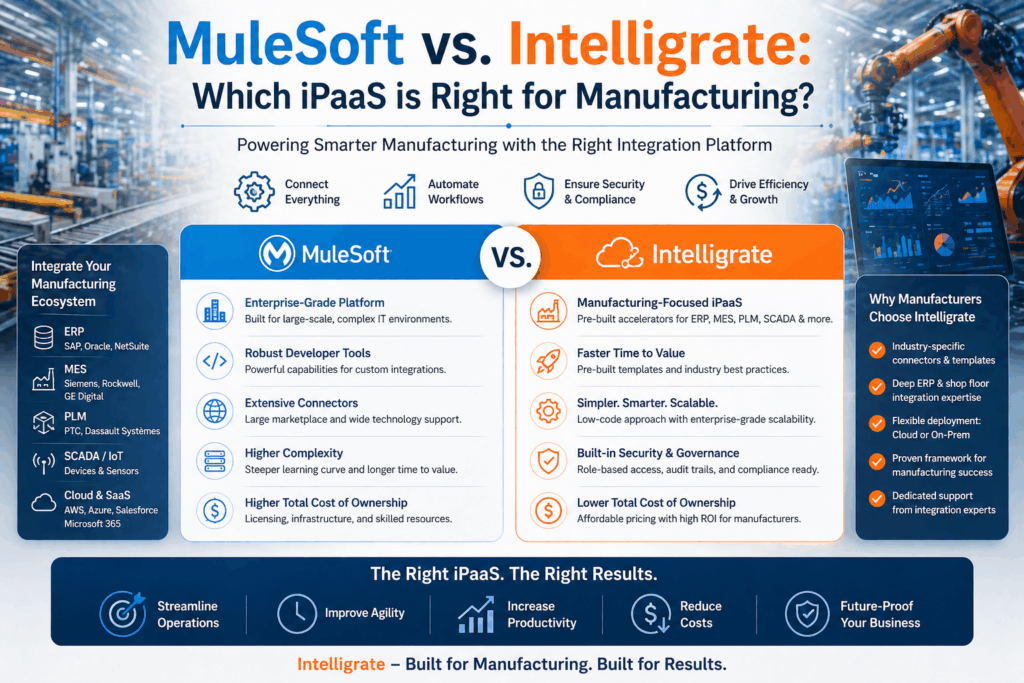
A managed iPaaS provides purpose-built connectors for both your ERP and HubSpot, along with an expert team that handles implementation, monitoring, and maintenance. For most manufacturing and distribution businesses, this is the optimal approach — combining deep technical capability with a managed service model that doesn’t require internal integration expertise.
What to Expect From a HubSpot ERP Integration Project
A typical HubSpot ERP integration project with Intelligrate follows this sequence:
- Discovery and scoping: We review your ERP configuration, HubSpot setup, and specific business requirements to define the exact data flows, field mappings, and sync rules for your integration.
- Design and configuration: Our team configures the Intelligrate platform to match your requirements — including custom field mappings, conditional sync logic, and error handling rules.
- Testing: We run comprehensive tests in your staging environment to validate every data flow before anything touches production.
- Go-live: We deploy the integration and monitor it closely during the initial live period to catch and resolve any edge cases.
- Ongoing management: Intelligrate monitors your integration, handles updates when either platform changes, and provides support as your business processes evolve.
Most manufacturing HubSpot ERP integrations go live within four to eight weeks of project kickoff.
Which ERPs Does Intelligrate Integrate with HubSpot?
the Intelligrate platform provides managed HubSpot integrations for all of the leading ERP systems used in manufacturing and distribution:
- Epicor HubSpot Integration
- SAP Business One HubSpot Integration
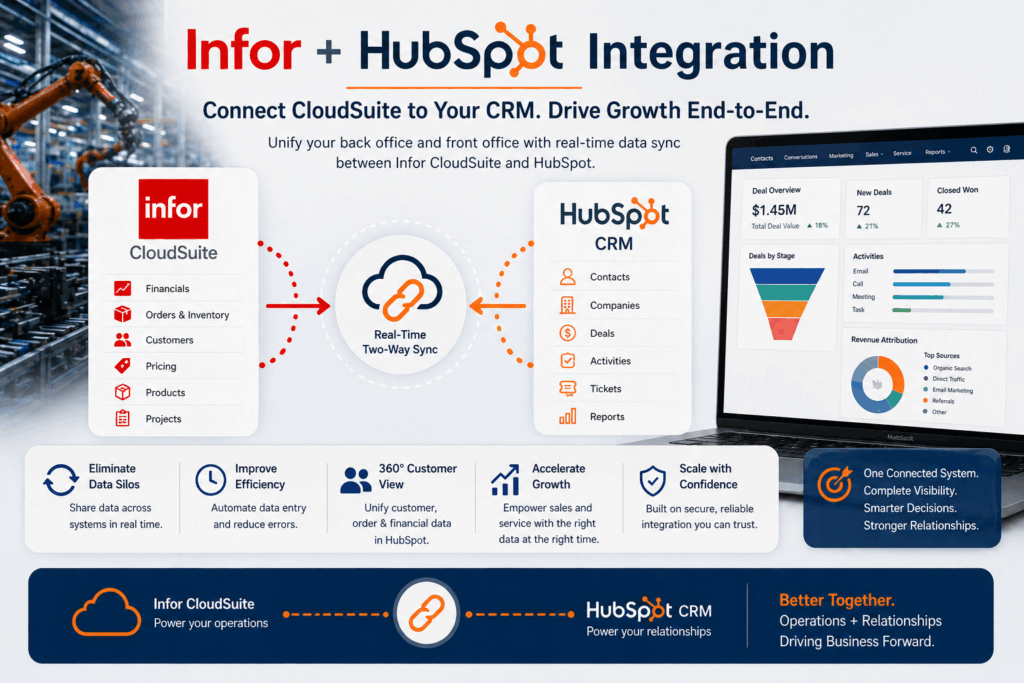
- Infor HubSpot Integration
- Microsoft Business Central HubSpot Integration
Ready to Integrate HubSpot with Your ERP?
If your manufacturing or distribution business is running HubSpot alongside an ERP and your teams are still manually bridging the gap between them, there’s a better way. Intelligrate can help you build a reliable, real-time HubSpot ERP integration that transforms how your entire revenue team operates.
Contact our team to schedule a free consultation and see the Intelligrate platform in action.
About Intelligrate
Intelligrate is an iPaaS provider and integration consultancy specializing in ERP and CRM integrations for manufacturers and distributors. The Intelligrate platform connects Epicor, SAP Business One, Infor, and Microsoft Business Central with Salesforce, HubSpot, and Microsoft Dynamics 365 — fully managed, from initial setup through ongoing support. Talk with an Intelligrate Expert today.