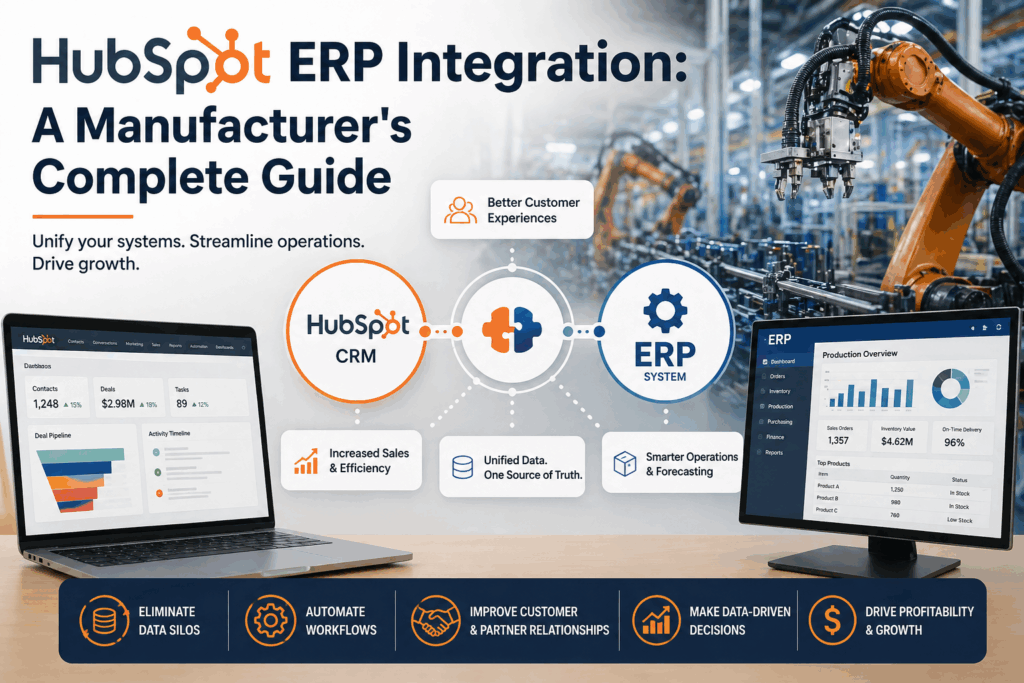
Microsoft Business Central is the ERP of choice for thousands of growing businesses. HubSpot is one of the most popular platforms for marketing automation, CRM, and customer communication. Together, they cover nearly every aspect of your business — from operational management to customer engagement. But without integration, these two powerful platforms create more work than they save.
A Microsoft Business Central HubSpot integration connects these two systems so data flows automatically between them — giving your marketing, sales, and operations teams a shared, real-time view of every customer.
The Hidden Cost of Disconnected Systems
When Business Central and HubSpot don’t communicate, the cost shows up everywhere — in wasted time, missed opportunities, and customer frustration.
Your marketing team runs campaigns in HubSpot without knowing which contacts are current customers versus cold prospects. Your sales team logs activities in HubSpot with no visibility into order history, payment status, or product preferences stored in Business Central. Your operations team fulfills orders in BC without context on the HubSpot communications that preceded them.
The result: fragmented customer data, inconsistent messaging, and a longer path from prospect to loyal customer.
Key Data Flows in a Business Central HubSpot Integration
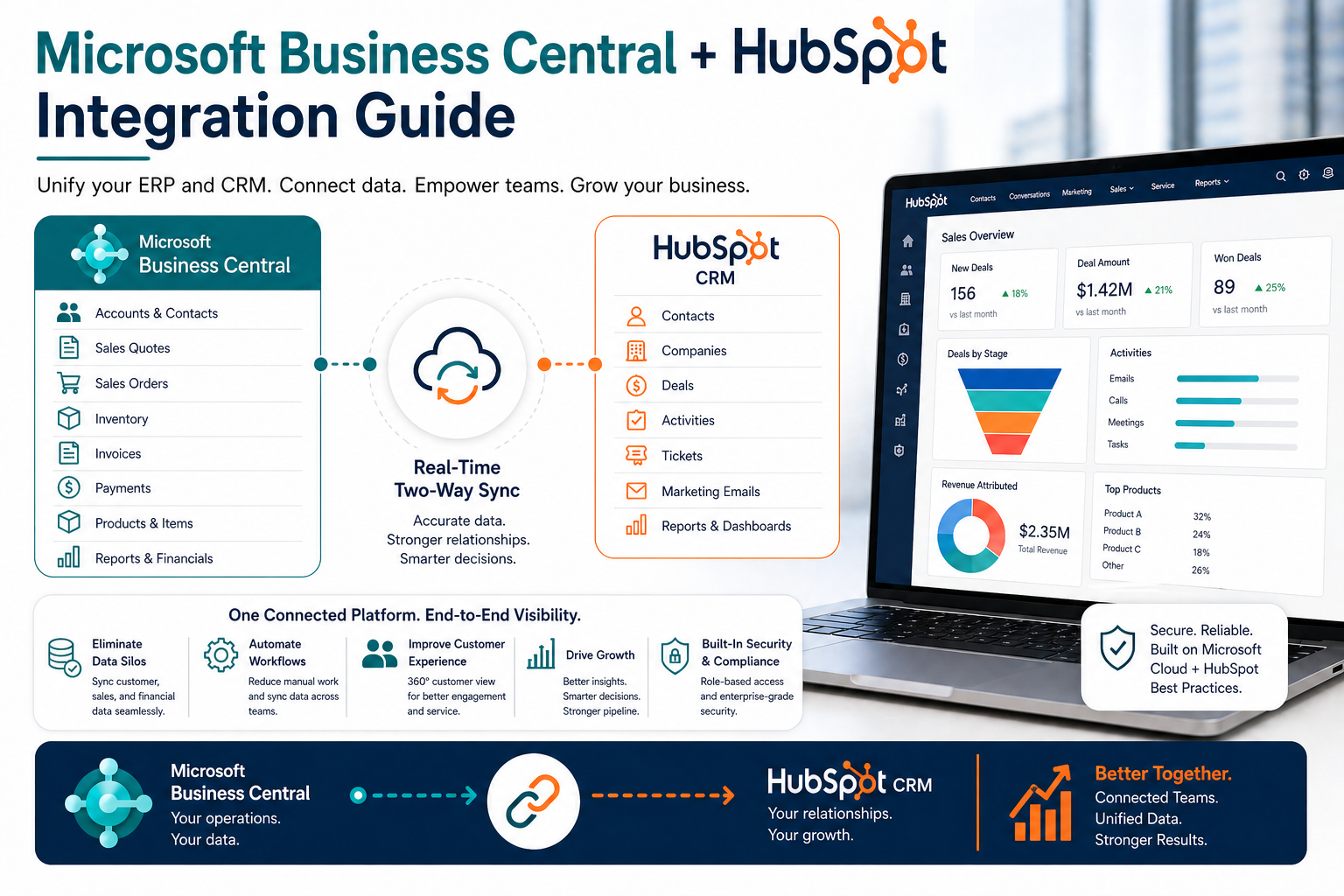
A Business Central HubSpot integration typically synchronizes the following data between the two platforms:
Contacts and Companies
Customers and contacts in Business Central sync bidirectionally with HubSpot Contacts and Companies. When a new customer is created in BC, they automatically appear in HubSpot for marketing outreach. When a new contact is added in HubSpot, they can flow into Business Central as a prospective customer — ready for quoting and order management when the deal closes.
Deals and Sales Orders
When a HubSpot deal reaches “Closed Won” status, the integration automatically generates a sales order in Business Central — eliminating manual re-entry and the errors that come with it. Deal value, line items, and customer details flow directly from HubSpot to BC, accelerating your order-to-cash cycle.
Purchase History and Order Data
Order history from Business Central surfaces inside HubSpot contact records. Your marketing team can see which products a customer has purchased, how often they order, and when they last transacted — enabling precision segmentation and highly targeted campaigns.
Products and Pricing
Items and price lists from Business Central sync to HubSpot’s product library. Sales reps building quotes in HubSpot always work from current, approved pricing — eliminating margin erosion from outdated spreadsheets and informal discounting.
Invoice and Payment Status
Invoice data from Business Central becomes visible in HubSpot, so account managers can see payment status and outstanding balances directly in the CRM. This supports proactive account management and helps your team identify at-risk customers before a payment issue escalates.
How Integration Transforms Your Marketing Performance
The real power of a Microsoft Business Central HubSpot integration is what it does for your marketing. When HubSpot has access to actual transaction data from Business Central, your campaigns become dramatically more targeted and effective:
- Win-back campaigns that automatically target customers who haven’t placed an order in a set period of time — with the list updating daily from BC data
- Upsell sequences triggered when a customer purchases a specific product, promoting complementary items based on actual purchase history
- Segment by customer value using lifetime order value from BC to ensure your highest-value accounts receive appropriate attention and personalization
- Behavioral scoring that combines HubSpot engagement data with BC purchase history for lead scores that reflect the complete customer relationship
What to Look for in an Integration Solution
When evaluating a Business Central HubSpot integration solution, prioritize:
- Real-time sync rather than batch processing — stale data undermines the purpose of integration
- Bidirectional data flow so both systems stay current regardless of where updates originate
- Flexible field mapping to accommodate your specific data model and business processes
- Robust error handling with alerts when sync failures occur
- Experienced implementation support from a team that understands both Business Central and HubSpot deeply
Unity: Managed Integration for BC and HubSpot, Powered by Intelligrate
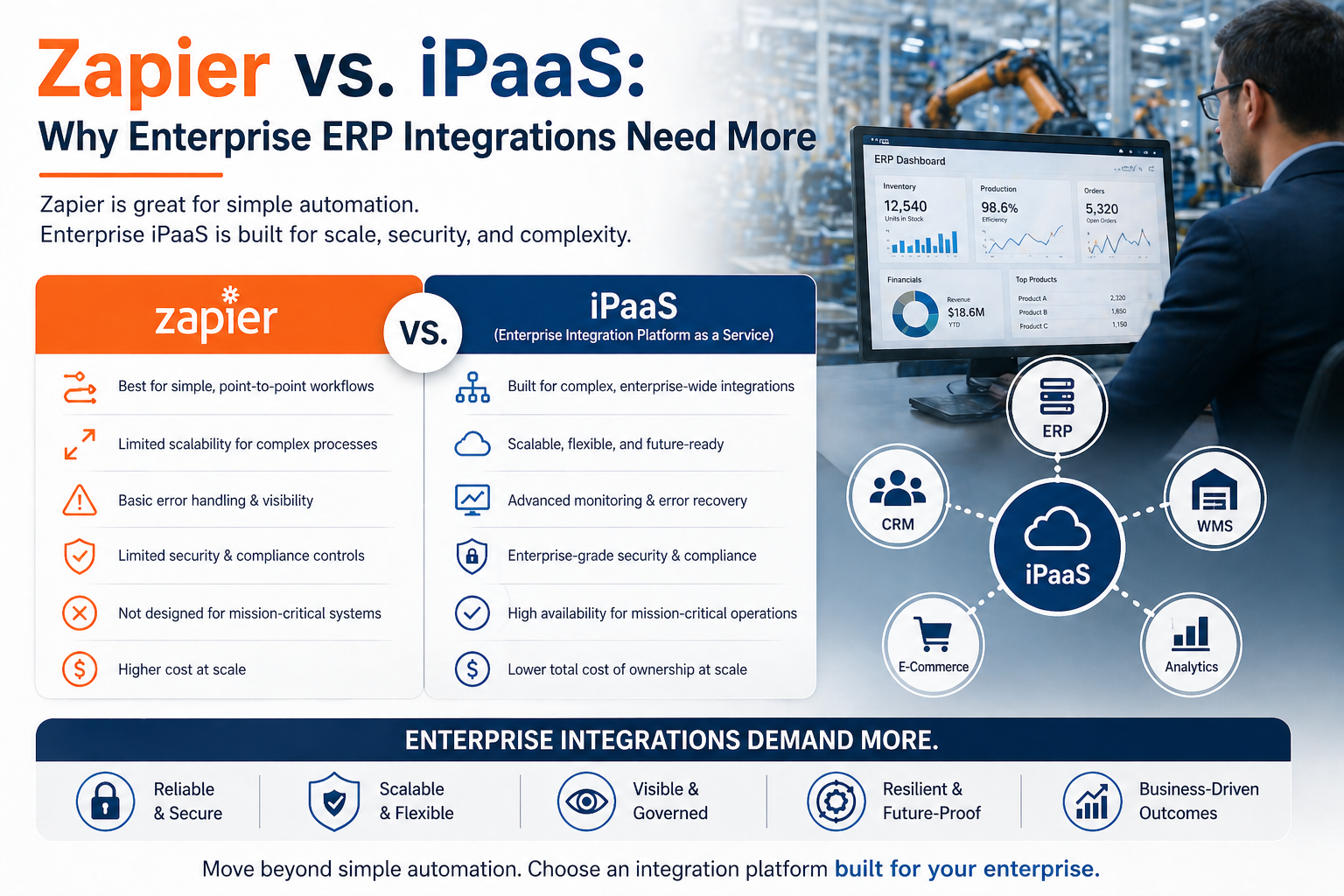
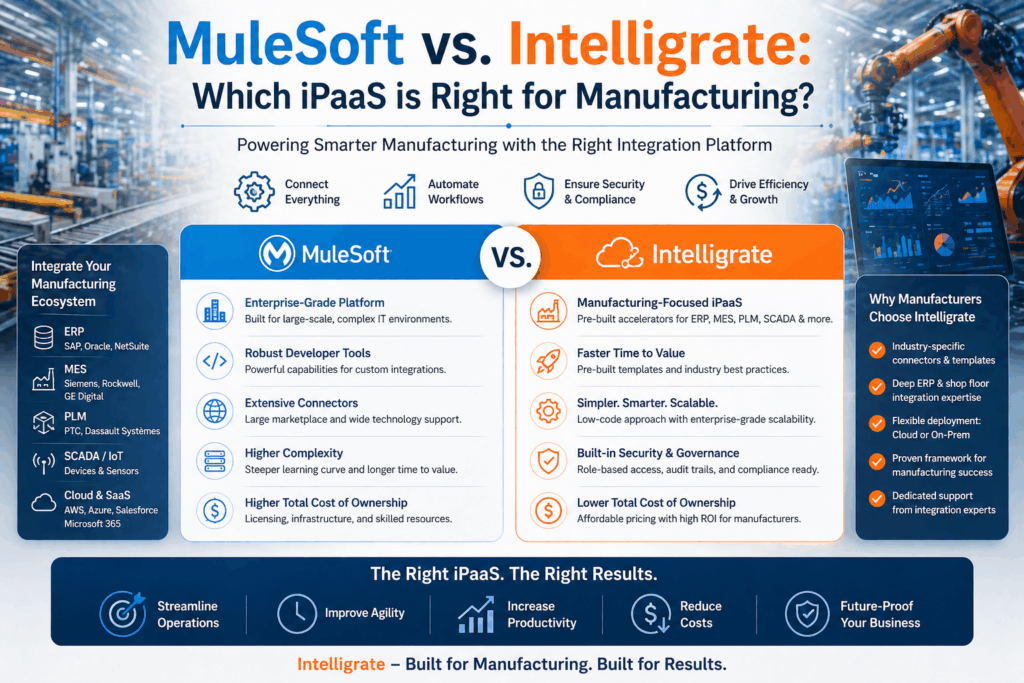
the Intelligrate platform is a managed iPaaS built specifically for manufacturers and distributors. Our Microsoft Business Central HubSpot integration comes with pre-built connectors, expert-designed field mappings, and full lifecycle support — from initial deployment to ongoing monitoring and maintenance.
You don’t need an internal integration developer. Our team manages the entire technical relationship between Business Central and HubSpot so you can focus on what the integration enables — better marketing, faster sales, and stronger customer retention.
Ready to Connect Business Central with HubSpot?
If you’re ready to unlock the full potential of Business Central and HubSpot working together, Intelligrate can help you get there faster than you might expect.
Learn more about our Microsoft Business Central HubSpot Integration →
Or contact our team to schedule a free consultation.
About Intelligrate
Intelligrate is an iPaaS provider and integration consultancy specializing in ERP and CRM integrations for manufacturers and distributors. The Intelligrate platform connects Microsoft Business Central, SAP Business One, Epicor, and Infor with Salesforce, HubSpot, and Microsoft Dynamics 365. We handle every aspect of your integration so your business runs smarter, faster, and with fewer errors. Talk with an Intelligrate Expert today.