Microsoft Business Central is one of the most widely used ERP platforms for small and mid-sized businesses — and Salesforce is the world’s leading CRM. But running both platforms without connecting them creates a fundamental problem: your sales team works in Salesforce while your operations team works in Business Central, and the data gap between them leads to errors, delays, and a customer experience that falls short of what your business is capable of.
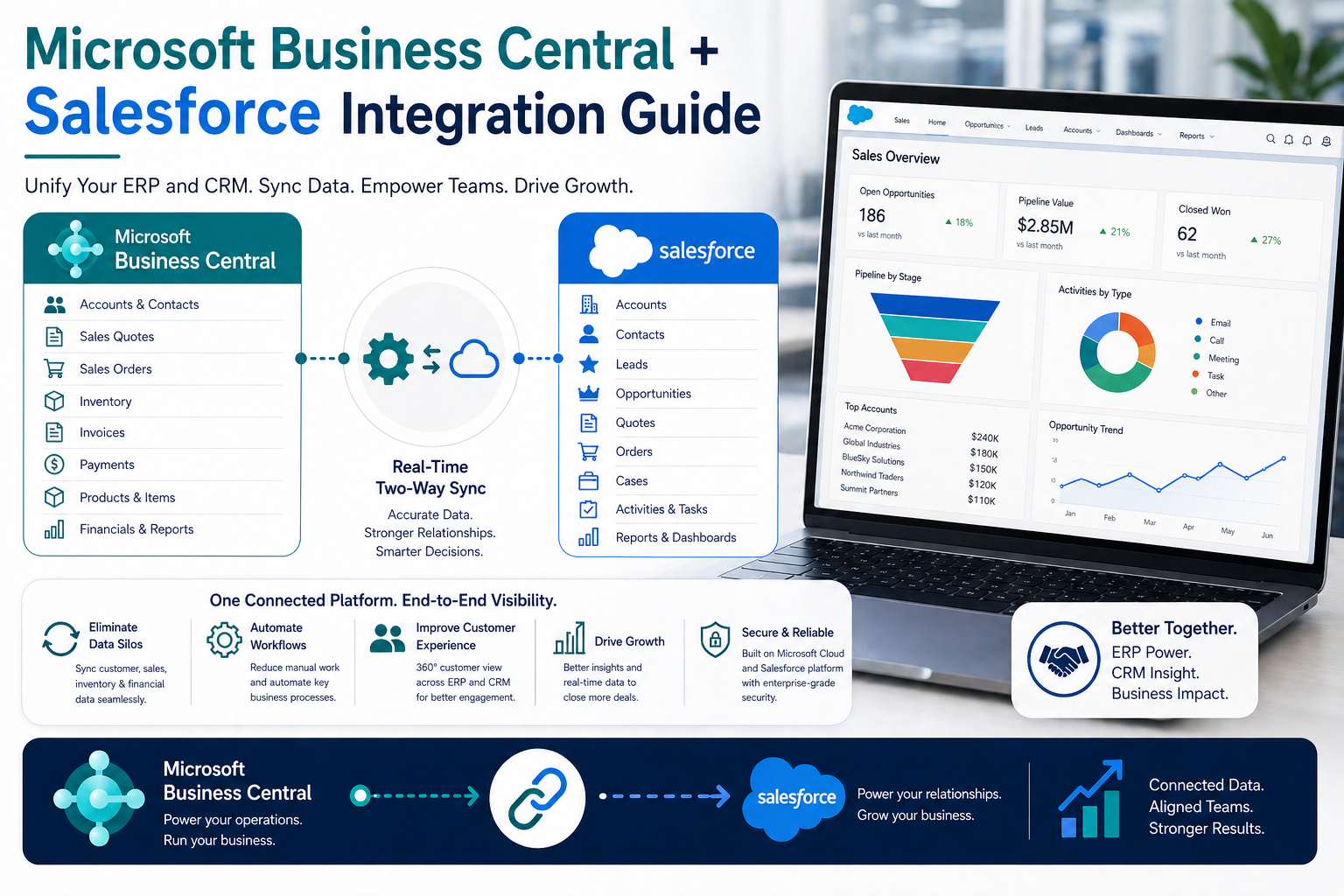
A Microsoft Business Central Salesforce integration solves this by synchronizing critical data between both systems in real time — so your teams always work from a single, accurate source of truth.
Why Microsoft Business Central and Salesforce Need to Be Connected
Microsoft Business Central manages your financials, inventory, supply chain, and operations. Salesforce manages your customer relationships, pipeline, and sales activity. When these two platforms don’t communicate, businesses pay a hidden cost in productivity and accuracy.
Common pain points include:
- Reps quoting without inventory visibility — sales teams in Salesforce have no idea what’s actually in stock in Business Central, leading to promises the warehouse can’t keep.
- Double data entry — new customers get entered manually in both systems, and when one is updated, the other quickly falls out of sync.
- Delayed order processing — closed deals in Salesforce require manual re-entry as sales orders in Business Central, adding hours of lag to every transaction.
- Fragmented reporting — revenue and pipeline data live in different systems, making it impossible to get a complete picture without complex exports and manual reconciliation.
What a Business Central Salesforce Integration Includes
A well-designed Business Central Salesforce integration typically covers the following data flows:
Customer and Account Sync
Customers in Business Central sync bidirectionally with Accounts in Salesforce. New accounts created by your sales team in Salesforce flow into Business Central as customers — and updates made in either system propagate to the other automatically. No more stale address records or billing discrepancies caused by out-of-sync systems.
Contacts
Contact records sync between both platforms so your sales reps in Salesforce always have current phone numbers, email addresses, and role information from Business Central — and your operations team in BC sees the full relationship history from Salesforce.
Quotes and Sales Orders
When an opportunity closes in Salesforce, the integration automatically creates a sales order in Business Central — eliminating the most common source of order entry errors. Quotes built in Salesforce can also push to Business Central, keeping pricing and line items consistent across both platforms.
Item and Inventory Data
Product catalog items and real-time inventory availability from Business Central sync to Salesforce, giving your sales reps accurate stock levels right inside the CRM. This means faster, more confident quoting — and fewer broken promises to customers.
Invoices and Payment Status
Invoices generated in Business Central appear in Salesforce so account managers have visibility into outstanding balances and payment history alongside relationship data. This supports better account management and proactive collections.
Business Impact: What Changes After Integration
Businesses that implement a Microsoft Business Central Salesforce integration typically report measurable improvements across the organization:
- Faster order-to-cash: Automated order creation eliminates manual entry and accelerates fulfillment timelines.
- Higher data quality: Bidirectional sync eliminates the duplicate and out-of-date records that cause errors throughout the business.
- Sales team productivity: Reps spend less time chasing data and more time closing deals.
- Better customer experience: Customers get accurate quotes, reliable delivery timelines, and fewer billing surprises.
- Executive visibility: Leadership can see accurate revenue, pipeline, and profitability data without waiting for manual report compilation.
Integration Approaches: Point-to-Point vs. iPaaS
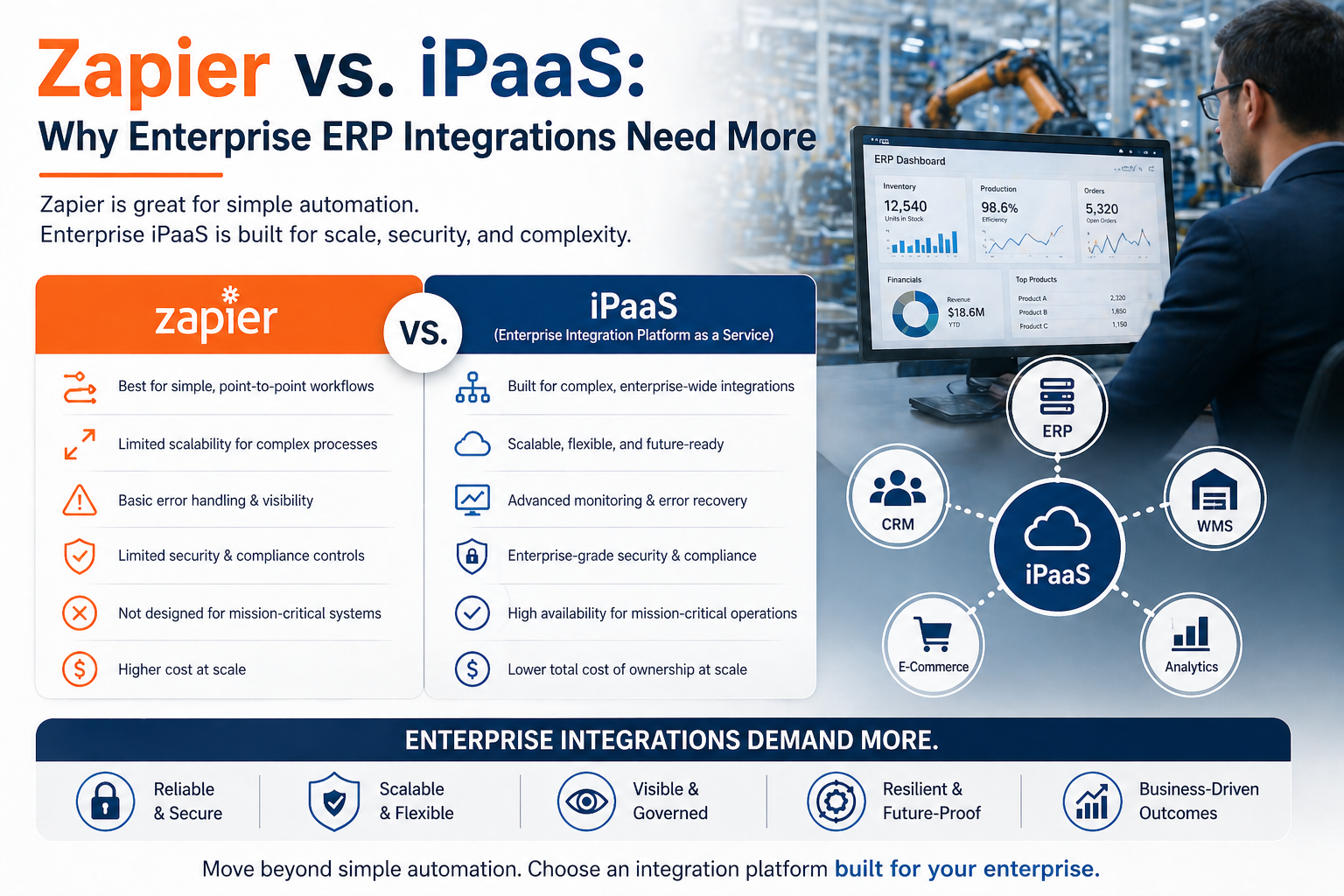
When connecting Business Central and Salesforce, there are several architectural options. Point-to-point integrations built with custom code can work for simple use cases, but they become brittle and expensive to maintain as your business grows and both platforms release updates.
An iPaaS (integration platform as a service) solution provides a more durable, scalable foundation. It handles the complexity of field mapping, error management, sync scheduling, and API version changes — so your integration keeps working reliably without constant developer intervention.
Unity: Managed Integration for Business Central and Salesforce
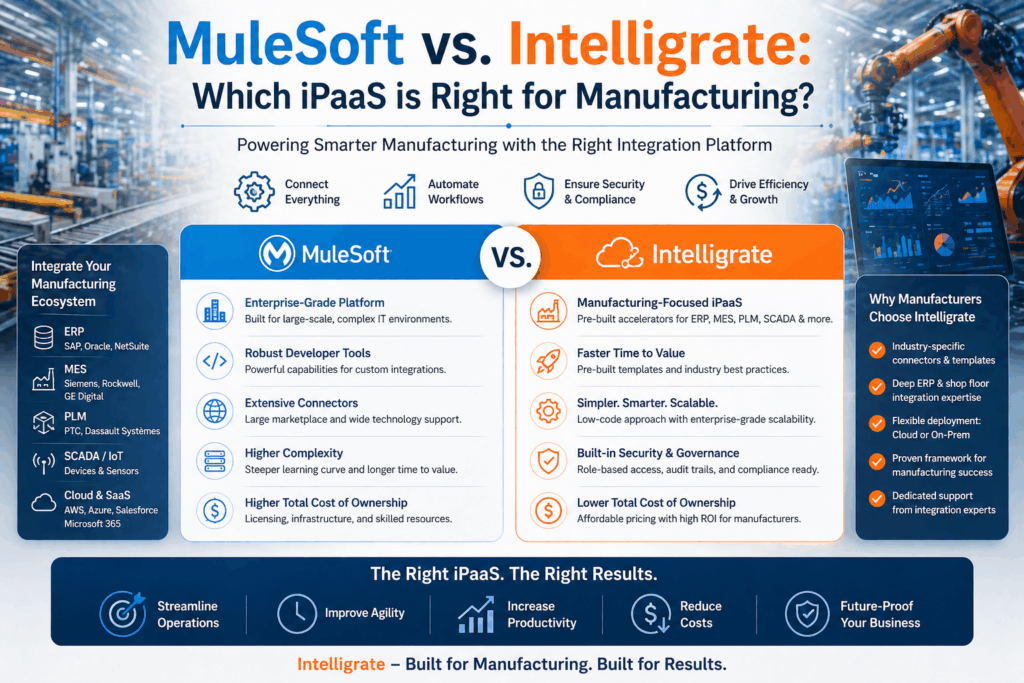
Unity is a managed integration service powered by the Intelligrate platform, designed for manufacturers and distributors. Our Microsoft Business Central Salesforce integration is built around the specific workflows that matter in your industry — from quote-to-order automation to inventory visibility to customer lifecycle management.
Our integration specialists design, implement, test, and monitor your integration from end to end. You don’t need internal developers or a system integrator — Intelligrate is your dedicated integration team.
Get Started with Business Central Salesforce Integration
Ready to connect Microsoft Business Central with Salesforce and give your team the real-time visibility they need? Intelligrate can have you up and running faster than you might expect.
Learn more about our Microsoft Business Central Salesforce Integration →
Or contact our team to schedule a free consultation.
About Intelligrate
Intelligrate is an iPaaS provider and integration consultancy specializing in ERP and CRM integrations for manufacturers and distributors. The Intelligrate platform connects Microsoft Business Central, SAP Business One, Epicor, and Infor with Salesforce, HubSpot, and Microsoft Dynamics 365. We handle every aspect of your integration so your business runs smarter, faster, and with fewer errors. Talk with an Intelligrate Expert today.